Your digital life.
A little more
private.
Your sign-in codes and personal moments, thoughtfully organized in one app.
Meet 2FA - Protect Your Data. Add a second step to supported account sign-ins and keep selected photos and videos in your Secret Album.
A second step.
A stronger sign-in.
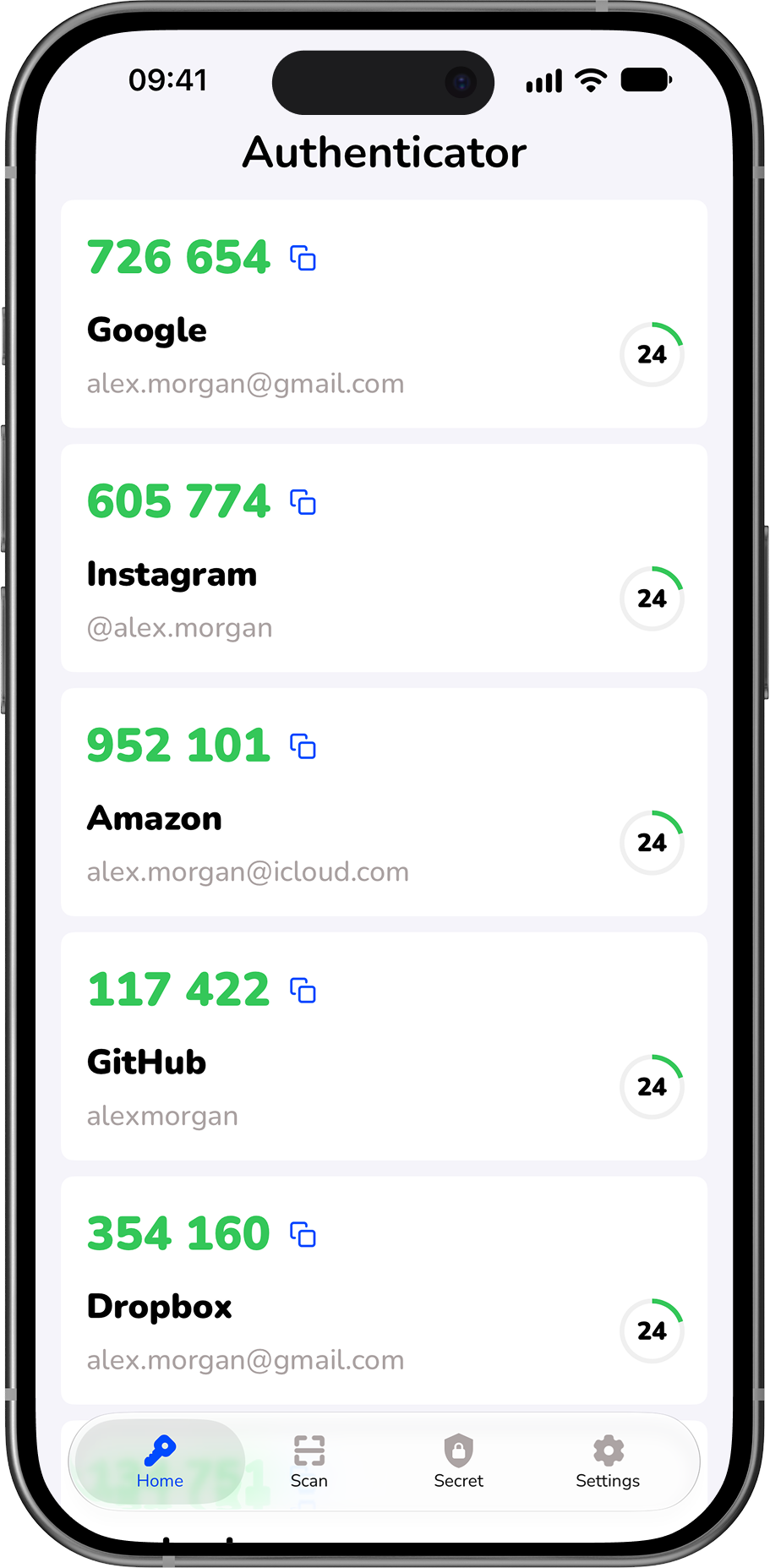
Bring verification codes for your compatible accounts into a clear, easy-to-read authenticator. See each code alongside its account name and countdown, then copy it when it is time to sign in.
Two-factor authentication adds an extra check to your password. Enable it with each supported service and keep that service’s recovery codes somewhere safe.
Scan. Add.
Ready for your next login.
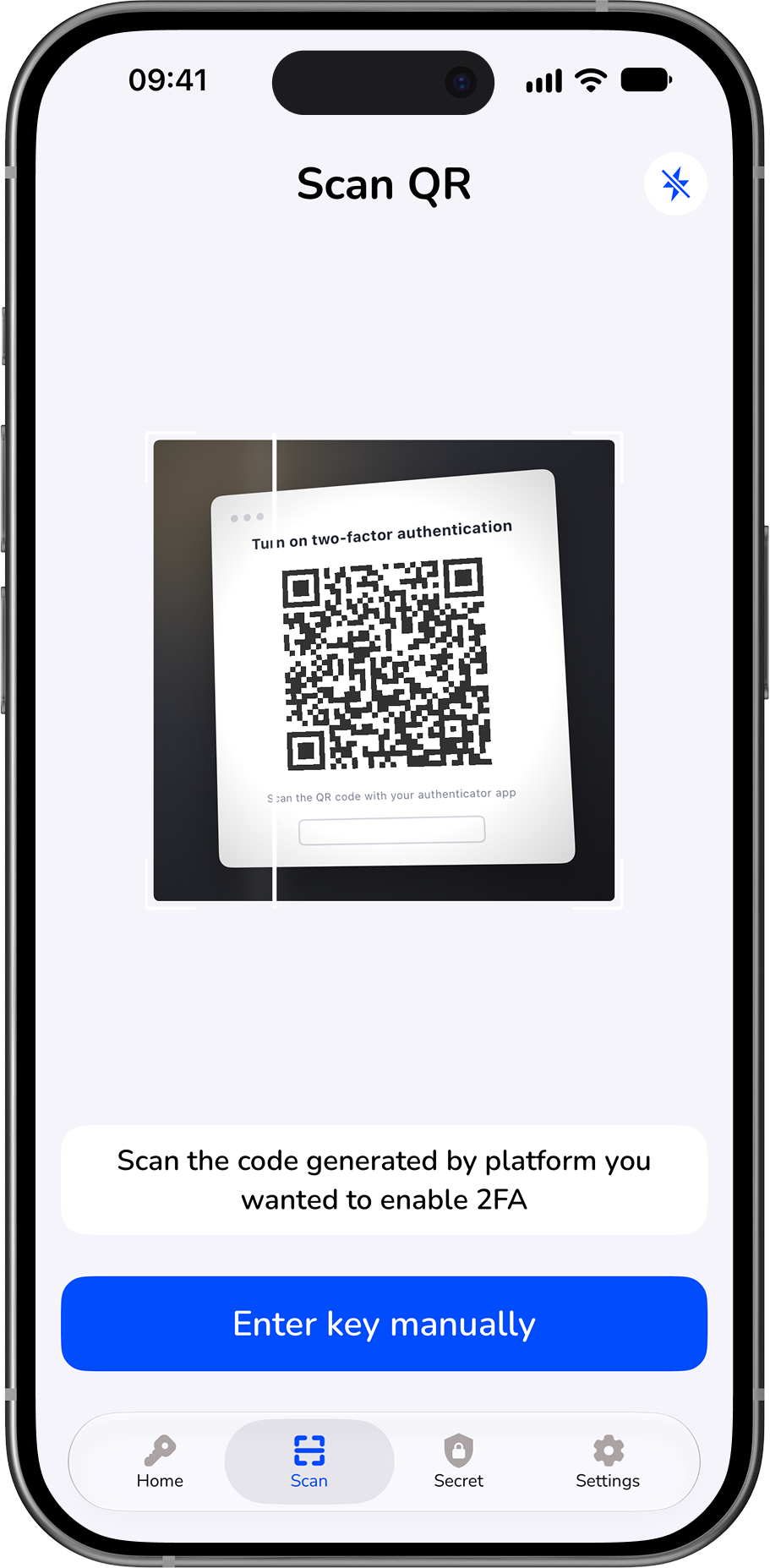
Use the built-in QR scanner to add an account from a compatible service’s two-factor setup page. Prefer typing? Enter the setup key manually instead.
Follow the service’s instructions and complete its confirmation step. Once connected, your account’s verification code is easy to find in the authenticator.
Get help with setupSome moments
are just for you.
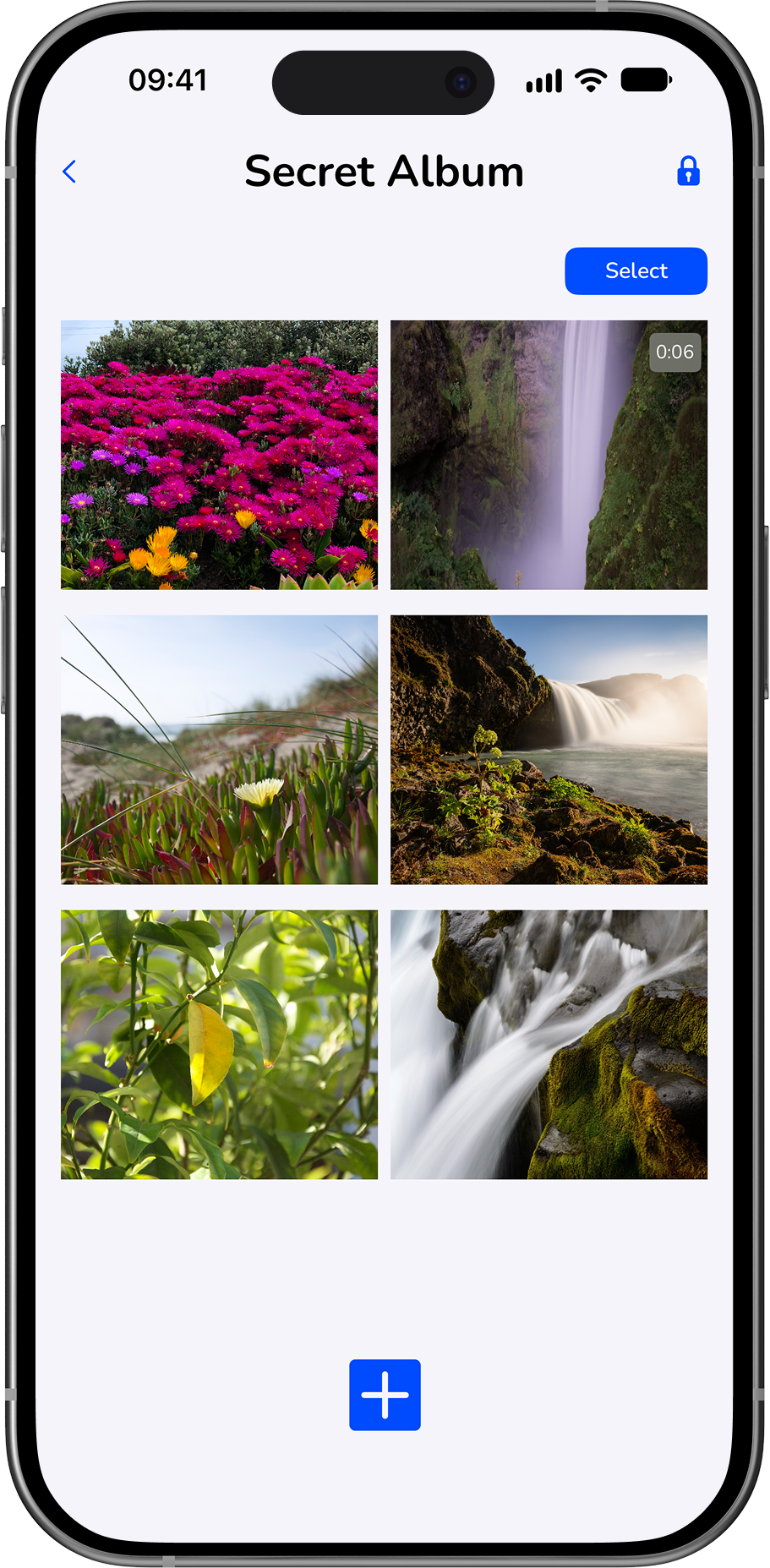
Your Secret Album gives selected photos and videos a separate space inside the app. Browse personal media together, away from your everyday camera-roll browsing.
Choose what you add and manage what you keep. Importing an item does not mean its original copy has been removed from Photos or any cloud backup; review those copies separately when needed.
A question?
Let’s work it out.
Need help adding an account, using your Secret Album, or understanding a subscription? Email us with a brief description of what happened and your app and iOS versions, if you know them.
support@2fa-protect.comFor your privacy, never send authentication codes, setup keys, passwords, recovery codes, or private photos.